
For many independent musicians, content creators, and bedroom producers, the biggest barrier to releasing visual content isn’t a lack of ideas—it’s the steep learning curve of video editing software. Staring at a complex timeline, struggling with keyframes, and trying to manually sync visual cuts to a fast-paced beat can drain your creative energy in minutes. That is why finding the best ai music video generator is less about discovering the most complex cinematic engine, and more about finding a tool that simply works out of the box.
You shouldn’t need a degree in prompt engineering or a mastery of Adobe Premiere to bring your song to life. In 2026, the ideal platform should act as a seamless bridge between your audio file and a platform-ready video, requiring minimal manual intervention. We want tools that save time, eliminate frustration, and let creators focus on their music rather than troubleshooting software.
In this listicle, I review and rank the top AI video platforms specifically through the lens of ease of use, workflow speed, and beginner-friendliness. Let’s explore which platform allows you to go from a raw audio track to a stunning visual masterpiece with the fewest clicks possible.
Criteria: What Makes an AI Generator “Easy to Use”?
When evaluating the best ai music video generator for a friction-free workflow, we cannot just look at the final render quality. We have to look at how much effort it took to get there. Here are the core metrics we used to rank these tools:
- Input Flexibility: The ability to simply paste a link or upload a file without manual preprocessing or format conversions.
- Automatic Syncing: The software should automatically analyze the audio and sync the visuals to the beat, completely eliminating manual timeline editing.
- Prompt Assistance: It should offer AI-assisted prompt expansion or preset visual styles so you don’t need advanced prompt-writing skills.
- One-Click Output: It must feature one-click export for social platforms, automatically framing the video for 16:9, 9:16, or 1:1 ratios.
- Zero Learning Curve: The interface should be intuitive enough that a first-time user can generate a complete video in minutes.
The Ease-of-Use Comparison Table
| Platform | Learning Curve | Audio Import | Music Syncing | Prompt Difficulty |
| Freebeat | Zero / Beginner | Paste Link (Suno/Udio) / Upload | Fully Automatic | AI Assisted / Presets |
| Template Apps | Zero / Beginner | Upload | Automatic (Basic) | None (Pre-made) |
| Kaiber | Moderate | Upload | Semi-Automatic | Manual Prompts |
| Runway Gen-3 | Steep / Advanced | Upload | Manual Timeline | Advanced Prompting |
1.Freebeat (The Winner for Frictionless Creation)
If your primary goal is to save time and avoid software headaches, Freebeat is the undisputed best ai music visualizer on the market today. It was designed from the ground up as an all-in-one multimodal creator studio, meaning you never have to switch between different tools to get a finished product.
The standout feature for beginners is its Automatic Mode, which allows for one-click auto generation depending on the project. You don’t even need to know how to write complex AI prompts; Freebeat features AI-assisted prompt expansion to improve visual quality and spark new ideas without requiring advanced prompt-writing skills.
Why it ranks #1 for ease of use:
- The “Link-to-Video” Workflow: You can paste links directly from Suno, Udio, TikTok, or YouTube to generate music videos instantly, without downloading source files.
- Automatic Storyboarding: It handles automatic storyboard planning, shot pacing, and transitions for you.
- Instant Social Exports: It offers one-click export in multiple formats including 16:9, 9:16, and 1:1, optimized for TikTok, Instagram, and YouTube.
For independent artists looking for a powerful yet incredibly simple free ai music video generator, Freebeat completely removes the technical barriers to entry.
2.Template Apps (The Fastest, but Most Limiting)
If we are strictly talking about “ease of use,” the various template-based editing apps (like CapCut templates or native TikTok filters) are incredibly fast. You upload a photo or a short clip, select a trending template, and the app automatically flashes the visuals to a pre-selected beat.
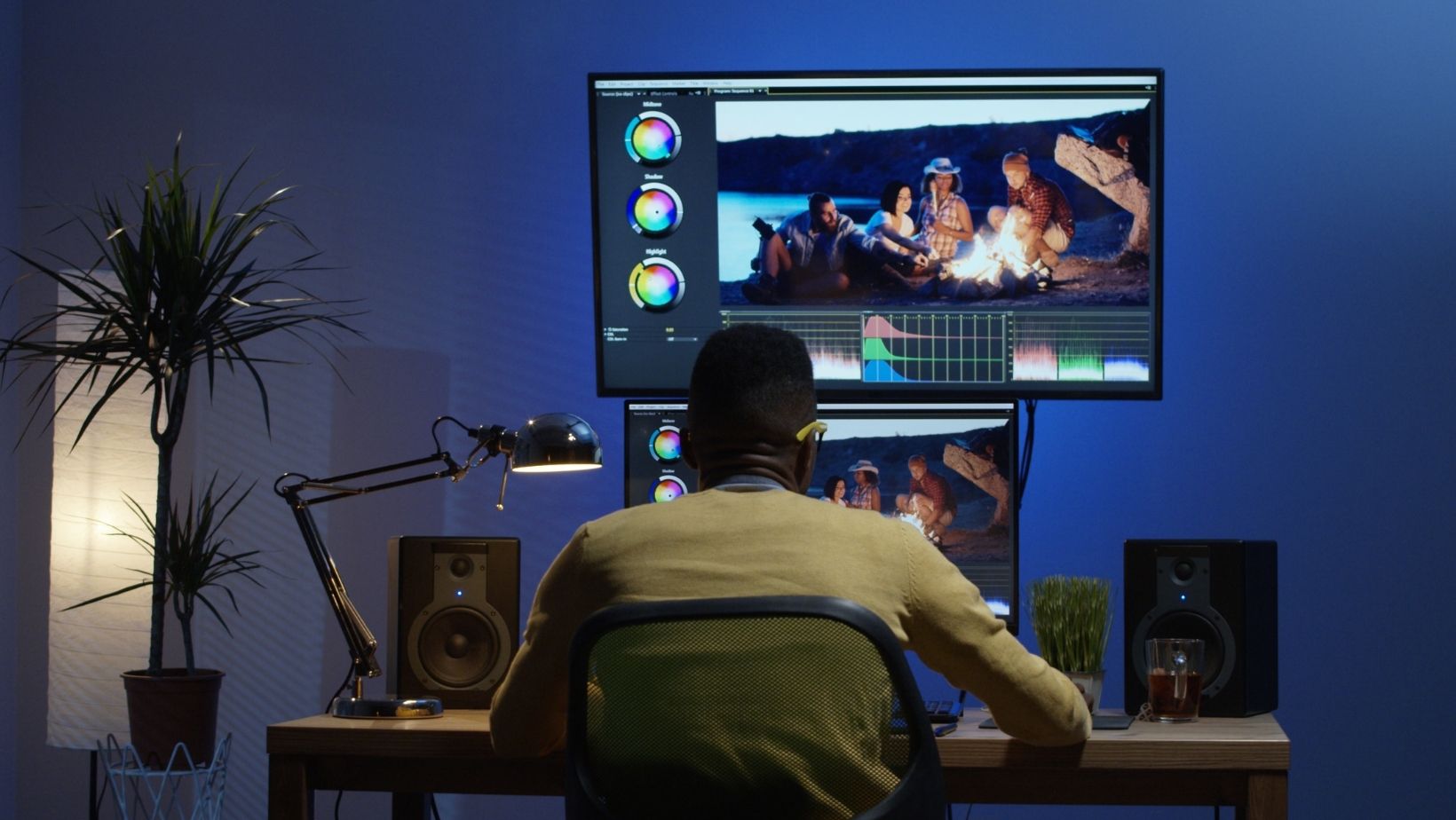
However, these tools offer absolutely zero creative control. You are locked into the exact pacing, effects, and transitions of the template creator. Everyone else on the app is using the exact same visual structure. While it takes only 10 seconds to make, it lacks the customizability and artistic vision required to create an original music video for your own unique track.
3.Kaiber (The Moderate Middle-Ground)
Kaiber is highly popular for its audio-reactive visualizers and stylistic morphing effects. In terms of ease of use, it sits firmly in the middle. The interface is relatively clean, and uploading your audio track is straightforward.
However, Kaiber requires a bit more trial and error to get right. To get the best results, you need to be somewhat comfortable writing descriptive prompts to guide the visual style. Furthermore, while it reacts to the beat, it doesn’t automatically plan out a narrative storyboard or handle complex A-roll and B-roll camera logic like Freebeat does. It is easy enough for most creators to pick up, but dialing in a specific vision requires patience and multiple generation credits.
4.Runway Gen-3 (The Advanced Professional’s Tool)
Runway is a spectacular platform that pushes the boundaries of AI video fidelity. If you are an experienced video editor or a prompt engineering expert, the results you can achieve are breathtaking.
But when it comes to ease of use for a musician who just wants a music video? Runway is the most difficult tool on this list. It is not an automated generator. There is no “paste a Suno link and press go” feature. You have to meticulously prompt individual short clips, download them, import them into a traditional non-linear editor (like Premiere Pro or Final Cut), and manually slice them to the beat of your music. The learning curve is steep, and the workflow is highly time-consuming.
Expanding Your Workflow with Zero Extra Effort
The beauty of a truly user-friendly platform is that it helps you generate a complete promotional package, not just a single video asset. Because Freebeat handles the heavy lifting, you can easily repurpose your audio for different platforms.
And when you are preparing to distribute your track to streaming services, you don’t need to learn Photoshop. You can use the built-in tools as an album cover art generator to generate looping animated music album covers for use as Spotify Canvas or Apple Music motion visuals.
The Final Verdict
When inspiration strikes, the last thing you want to do is fight with complicated software interfaces, read through prompt engineering tutorials, or manually drag clips across a timeline for hours.
While tools like Runway offer incredible raw power for professional editors, and template apps offer instant gratification with zero originality, Freebeat strikes the perfect balance. It delivers cinematic, audio-reactive results while maintaining a workflow that is accessible to absolute beginners. With its ability to instantly process Suno and Udio links , combined with AI prompt assistance and automatic storyboarding, Freebeat is definitively the best ai music video generator for creators who value ease of use, speed, and creative freedom.