Creating new visual content for every campaign, platform, and format can quickly consume a marketing budget. A company may already have thousands of photographs, illustrations, product images, event shots, and campaign assets, yet teams often return to producing something new because older material does not immediately match the dimensions or style required for the next project.
A better approach is to treat existing visuals as reusable assets rather than finished pieces with only one purpose. With thoughtful editing, organization, and adaptation, one strong photograph can potentially support a website, newsletter, social campaign, presentation, advertisement, and other digital placements. The goal is not to publish exactly the same image everywhere, but to extract more useful variations from material that has already been created.
Audit What You Already Have Before Creating More
The first step is knowing what exists. Visual libraries tend to become fragmented over time, with files scattered across computers, cloud folders, old campaign directories, and individual team members’ accounts.
Before scheduling another shoot, review the strongest existing material. Look beyond recent campaigns. Older lifestyle photography, event images, product shots, employee portraits, illustrations, and unused alternatives from previous projects may still contain valuable material.
Organization matters during this process. Files should have understandable names, clear usage rights, dates where relevant, and enough information for other team members to locate them later.
An organized library turns past production spending into an ongoing resource rather than a collection of forgotten files.
Rescue Strong Images That Are Technically Too Small
Older digital assets often have one frustrating limitation: dimensions that were perfectly adequate when they were created but are insufficient for today’s layouts and displays.
A photograph originally prepared as a small blog image, for example, might contain exactly the subject needed for a new campaign but look soft when placed prominently on a modern page. The best solution is always to locate a higher-resolution original first. Check archives, previous designers, photographers, storage drives, and unedited source folders before modifying a smaller copy.
When no better source survives, AI processing can sometimes make an otherwise unusable asset more practical. For example, this photo upscaler can enlarge an image using AI-based processing rather than relying entirely on conventional resizing. Cloudinary’s documentation explains that its generative approach predicts additional detail while increasing each dimension, helping retain more visual information than basic enlargement.
The resulting file still needs inspection. AI can estimate missing information, but it cannot recover an original photograph that no longer exists. Faces, lettering, fine product details, patterns, and other sensitive areas deserve particular attention.
Reframe One Photograph for Several Platforms
Different digital channels demand different compositions. A horizontal website hero, square feed post, vertical Story, email banner, and display advertisement cannot always use the same crop.
Instead of rejecting an existing photograph because its original composition does not match a new placement, look at the space surrounding the main subject. A wider photograph may contain several usable crops, allowing one source file to generate multiple assets.
Subject positioning is important. A portrait with generous space beside the person can accommodate headlines or calls to action. A product photographed centrally may work in square and vertical layouts, while an environmental photograph may provide several distinct detail crops.
The key is to adapt composition intentionally rather than mechanically forcing every image into predetermined dimensions.
Create Variations Without Losing Brand Consistency
Repurposing does not mean every version has to look identical. In fact, different channels often benefit from different treatments.
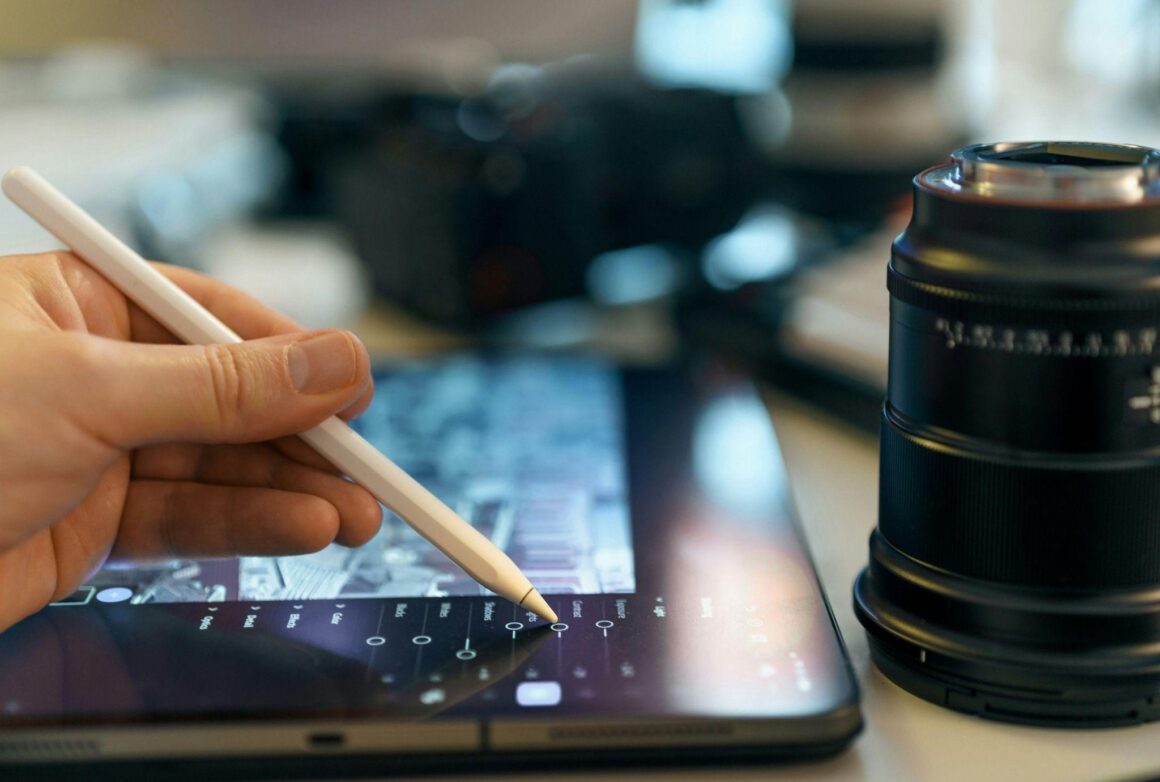
A website might use a clean photograph with minimal text, while the same source material could become a promotional social graphic with typography and branding. An AI poster maker can also help transform existing images into promotional designs for different channels without starting from scratch. An email version might use a tighter crop, while a presentation could emphasize a particular detail.
Consistency should come from a recognizable visual system rather than exact duplication. Typography, spacing, logo placement, image treatment, and general design principles can connect different assets even when their compositions change.
Templates make this process much faster. Once common dimensions and layouts are established, existing photography can be inserted into proven structures rather than requiring a new design for every post.
Find New Stories Inside Existing Photographs
A single photograph can contain more usable content than its original purpose suggests.
Consider a wide photograph of a restaurant interior. The full scene might work for the website, while tighter crops could highlight table settings, architectural details, food, staff interactions, or decorative elements. Each crop communicates something different despite coming from the same original file.
The same principle applies to events, travel photography, manufacturing facilities, offices, and product shoots. A campaign originally built around one subject may contain secondary details that support completely different stories months later.
Review contact sheets and unused photographs rather than only the final images selected for the original campaign. The asset that was not right for one project may be ideal for another.
Turn Static Assets Into Simple Motion Content
Existing photography can also provide raw material for formats that were not part of the original production plan.
A sequence of still images can become a slideshow, short social video, animated presentation, or simple promotional clip. Slow movement across a high-quality photograph can introduce visual activity without requiring traditional video footage.
Graphics can be animated as well. Text, illustrations, product images, and interface elements can appear sequentially to turn a static concept into a short piece of motion content.
This does not mean every photograph needs animation. Motion should support the message rather than being added simply because a platform supports video. But when new footage is unavailable, existing assets can provide more possibilities than teams sometimes realize.
Optimize Each Version for Its Actual Destination
Repurposing visuals effectively also means avoiding the temptation to distribute one enormous master file everywhere.
A website thumbnail does not need the same dimensions as a full-screen presentation image. Delivering unnecessary image data can slow pages and create a poor experience, particularly on mobile connections.
Prepare versions according to their actual use. Dimensions, compression, file format, and quality should reflect the destination. Modern image systems can also automate parts of this process, delivering different versions according to the device or browser. Cloudinary, for example, supports automatic format and quality optimization as part of its image delivery features.
Keep the highest-quality master separately. Distribution versions can always be created again, but repeatedly editing already compressed copies gradually reduces flexibility.
Build Repurposing Into the Original Production Plan
The best time to think about reuse is before the next photo shoot happens.
When planning new photography, consider the different placements the images may eventually need to support. Capture wide compositions with room for text, tighter detail shots, horizontal and vertical options, clean product views, and alternative angles.
This does not necessarily make the shoot substantially longer. It simply changes the way the shot list is developed.
The same thinking can be applied to graphic design. Keeping editable source files and separating key elements makes future adaptations much easier than working from a flattened final export.